
















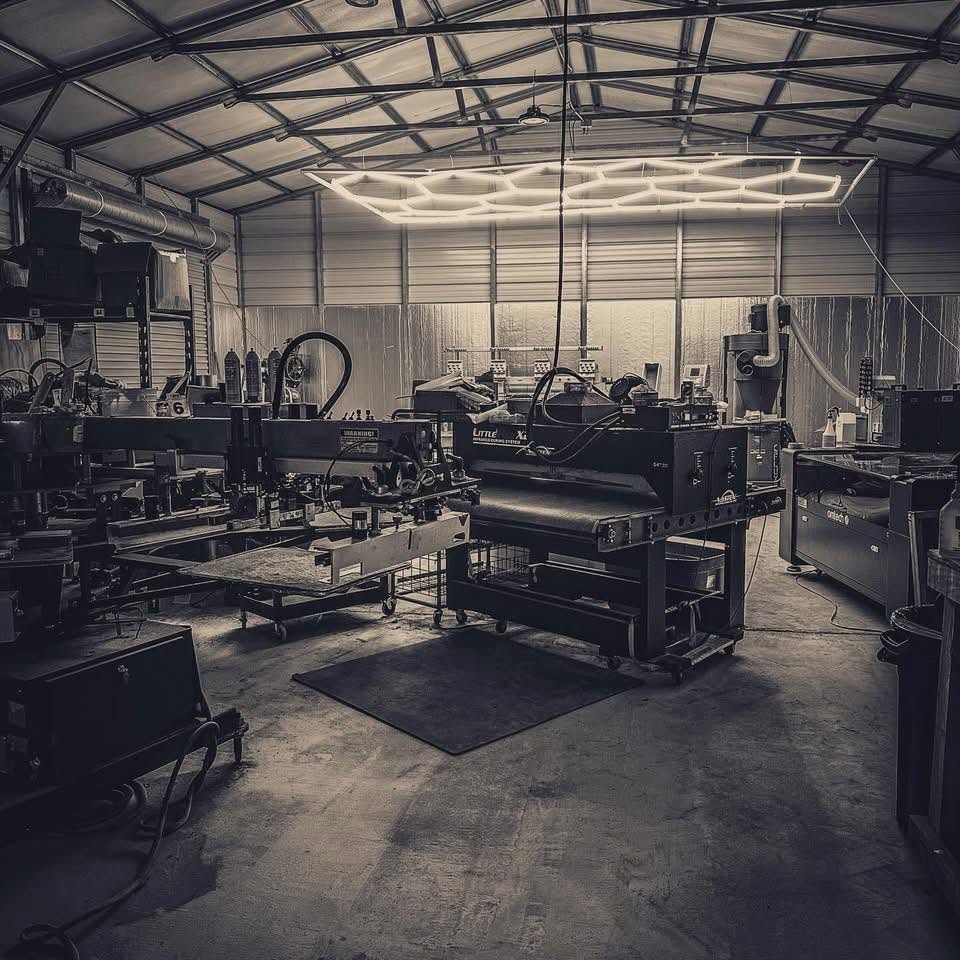






A shop selling apparel, signs, and vehicle wraps needs a shared view of the customer commitment and separate instructions for each type of production. Keep the order connected without forcing every item through the same checklist.
Consider an illustrative business-launch order: staff shirts, a storefront sign, and graphics for a van. One customer may approve the purchase, but the work has different measurements, materials, artwork, and handoff dates. Calling the whole order “in production” does not tell any department what is ready.
Start with the promises you made
Write down what the customer expects to receive and when. A launch date may drive the whole order, but the shirts might be collected before the sign is installed or the van becomes available.
Identify the responsible contact and record changes in a place staff can find. If the customer changes the business phone number, someone must review every affected design. Do not assume a correction to the sign proof also changed the garment art or vehicle graphics.
The shared record should help the team see those dependencies. It should not hide them behind a single broad status.
Preserve the details each department needs
| Work type | Details to keep with the job |
|---|---|
| Apparel | Garment style, color, size counts, decoration locations, and approved artwork. |
| Signage | Finished dimensions, substrate, printed faces, finishing, and mounting scope. |
| Vehicle graphics | Vehicle identity, coverage, artwork reference, production instructions, and intake information. |
| Customer handoff | Pickup, shipping, or install arrangements, plus any incomplete items. |
These are suggested information categories, not a claim that every software package provides them as dedicated fields. In a trial, check where they live and whether the next person can find them.
Use our sign job checklist and vehicle wrap workflow guide to make the department-specific questions concrete.
Split production work where responsibility changes
A shared sales order can describe the customer's purchase, while the production work needs to reflect the people and equipment involved. Decide who owns each handoff and what “ready” means for that department.
For example, the apparel team should not wait for the van to arrive if its own work is approved and ready. Equally, finishing the shirts should not make the sign installation disappear from the team's view.
Keep a visible next action for unresolved work. “Waiting” is more useful when it says what is missing and who is following up: revised artwork from the customer, a confirmed dimension, or vehicle availability.
Review shared constraints before promising dates
Different departments may still share a designer, printer, finishing area, delivery vehicle, or the owner's attention. Review those constraints when accepting a deadline.
A practical planning conversation asks:
- Which customer commitments are fixed?
- What is approved and ready to start?
- What is waiting on information, materials, or access?
- Which shared resource is needed by more than one job?
- Who will resolve each conflict or contact the customer if the plan changes?
These questions work with a board, a worksheet, or shop software. The point is to make the decision visible before the conflict reaches the floor, rather than assuming that adding a due date schedules the work.
Handle partial completion explicitly
If a customer collects shirts while the sign is still unfinished, record what left the shop and what remains. Make sure the person answering the next call can see that distinction.
Review billing according to the agreed order and payment terms. Do not treat one production step finishing as a reason to invent a new charge or assume the entire order is complete. If your shop needs partial invoicing or another specific billing arrangement, test that requirement directly with the software provider.
Try the mixed order in OBPrint
OBPrint's full-service shop workflow covers apparel, signs, and wraps. Its quotes and production board are starting points for testing how your customer order and department work stay connected.
This is an OBPrint-published guide. Use the same mixed order to evaluate any software you are considering, and record the steps that still require manual coordination. Do not assume a shared board automatically plans capacity or resolves dependencies for you.
Should all departments use the same production stages?
Use shared terms where they mean the same thing, but keep the steps that matter to each trade. A screen-print setup and a vehicle intake are different tasks. Consistency should help staff understand the work, not erase the distinctions.
How do we test whether the shared view is useful?
Ask someone outside the department to answer what is complete, what is blocked, and what the customer is expecting next. If they need a verbal explanation for every item, the record needs clearer handoffs.
What should we bring to a walkthrough?
Bring one order containing more than one work type and a real exception, such as a delayed component or separate pickup dates. Book a demo around that scenario instead of three unrelated perfect jobs.