















Nothing retyped
The quote becomes the sales order and work order instead of being rebuilt three times.
Sell + approve
 How it worksFollow one job from lead to paid
Product
Shops
Resources
How it works
OBPrint keeps the job together as it changes hands, so the details captured at the quote are still there when production, install and billing need them.
14 days of The Full Run free. No credit card.

The job, start to finish
The invoice opens from the sales order. Take a card payment through Square or Stripe or record a payment from your existing flow, and the job shows paid.
The quote becomes the sales order and work order instead of being rebuilt three times.
Office and floor work from the same record and the same status.

When the job is done, what it took is still on the record: time, materials, notes and payments.
Short Run is free with monthly limits, or try The Full Run free for 14 days.
You don’t need years of history. Start with the next real job through the door.
Quote, approve, produce and invoice on one record.
Open any finished job and see what it took.
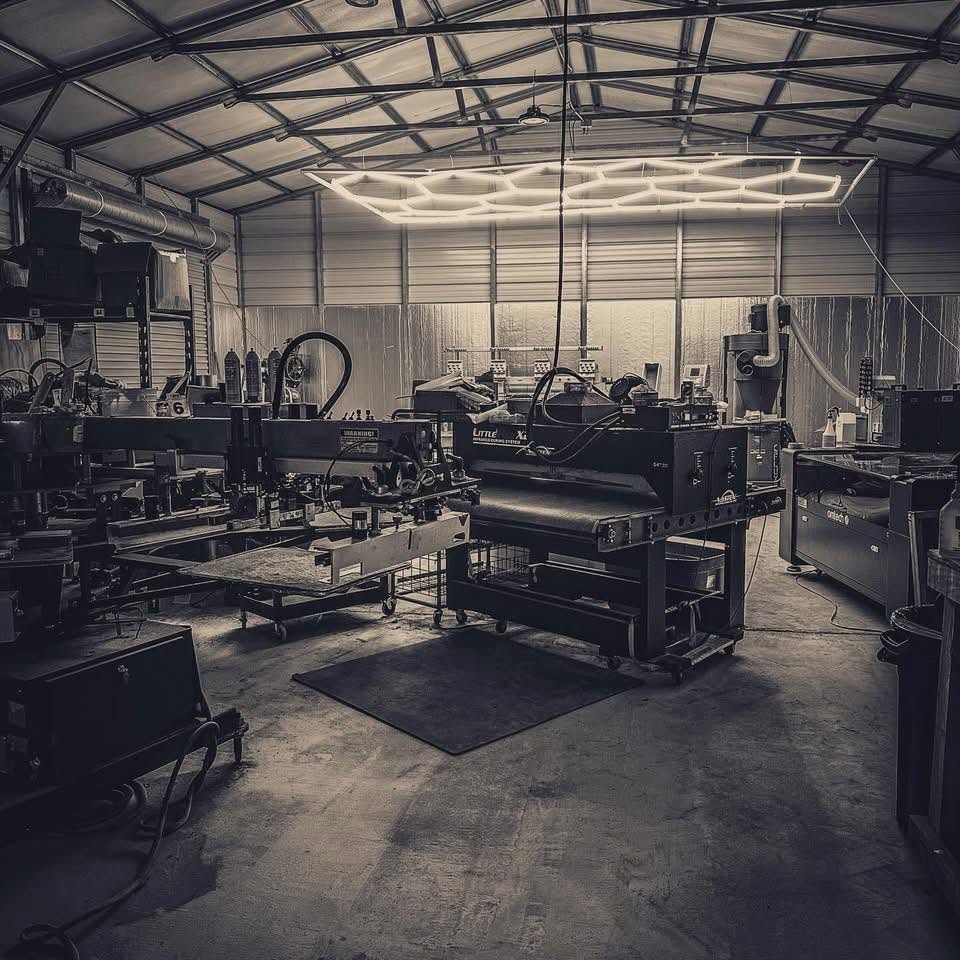
Built inside a working print shop. OBPrint came out of Bigfoot Designs, and we still run the shop on it every day. Read the story
Straight answers. If yours isn’t here, book a 30-minute demo.
No. Start with the next real job and bring older customers over when they become useful.
No. Your team moves the work. OBPrint keeps every detail and status on one record.
Owner-led shops and smaller teams, especially shops with roughly 1 to 10 people.
No. Connect Square or Stripe, or record payments you take another way.
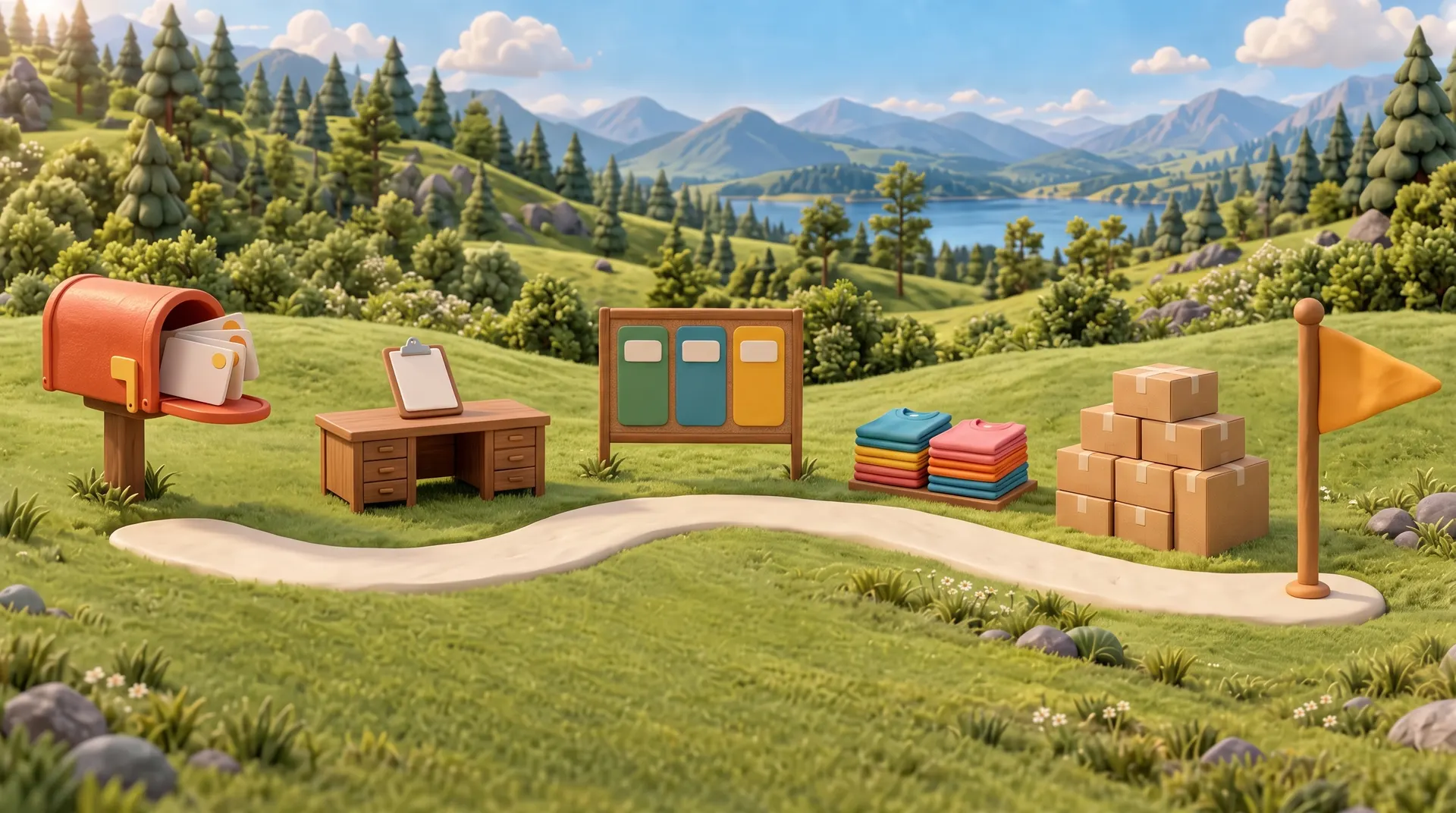
Start with the next real job through the door. Short Run is free, and The Full Run is free for 14 days.
No credit card required for the Full Run trial.