





One board, every job
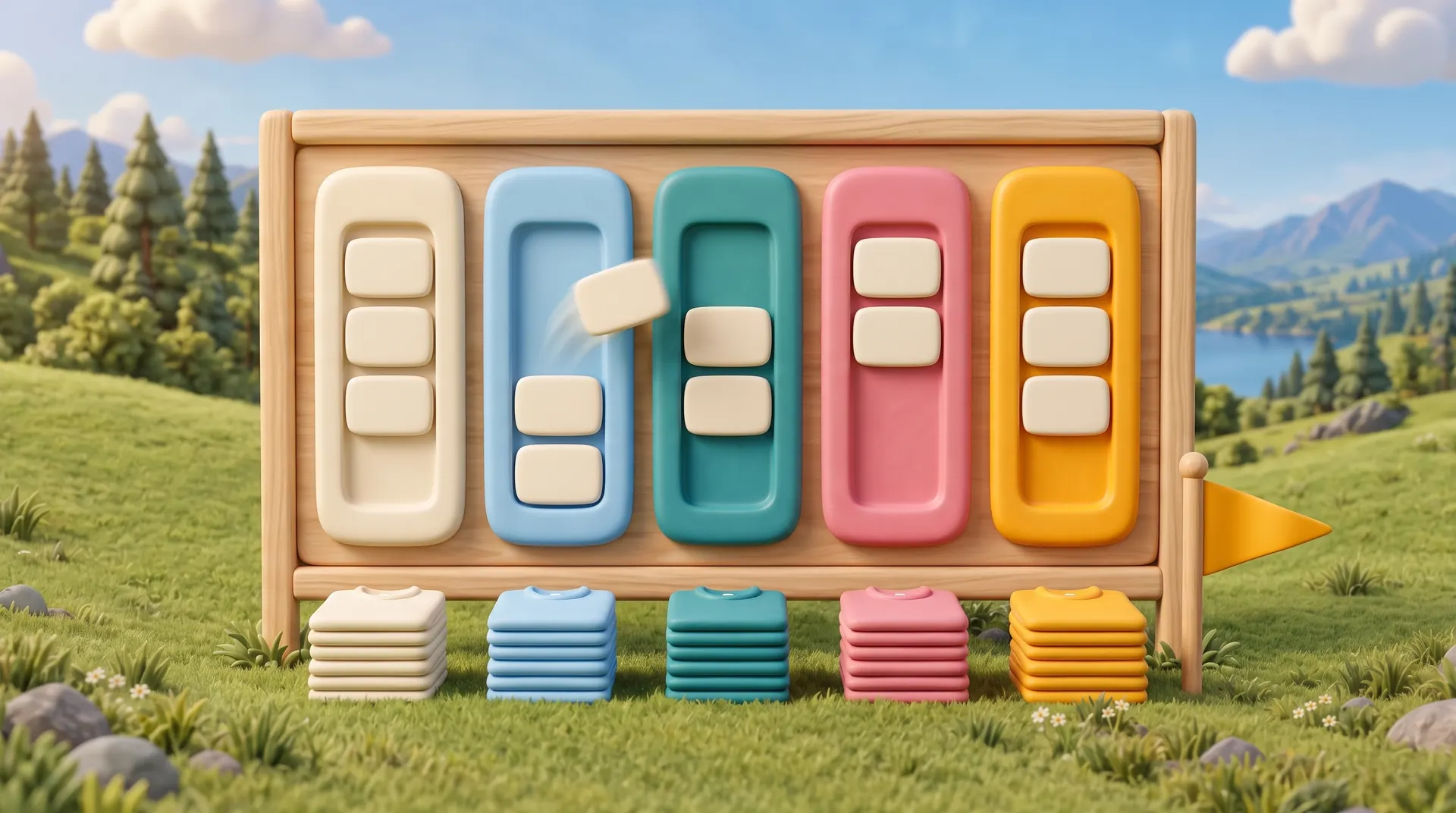
Shirts, signs and wraps share the board without forcing every job through the same workflow.
Sell + approve
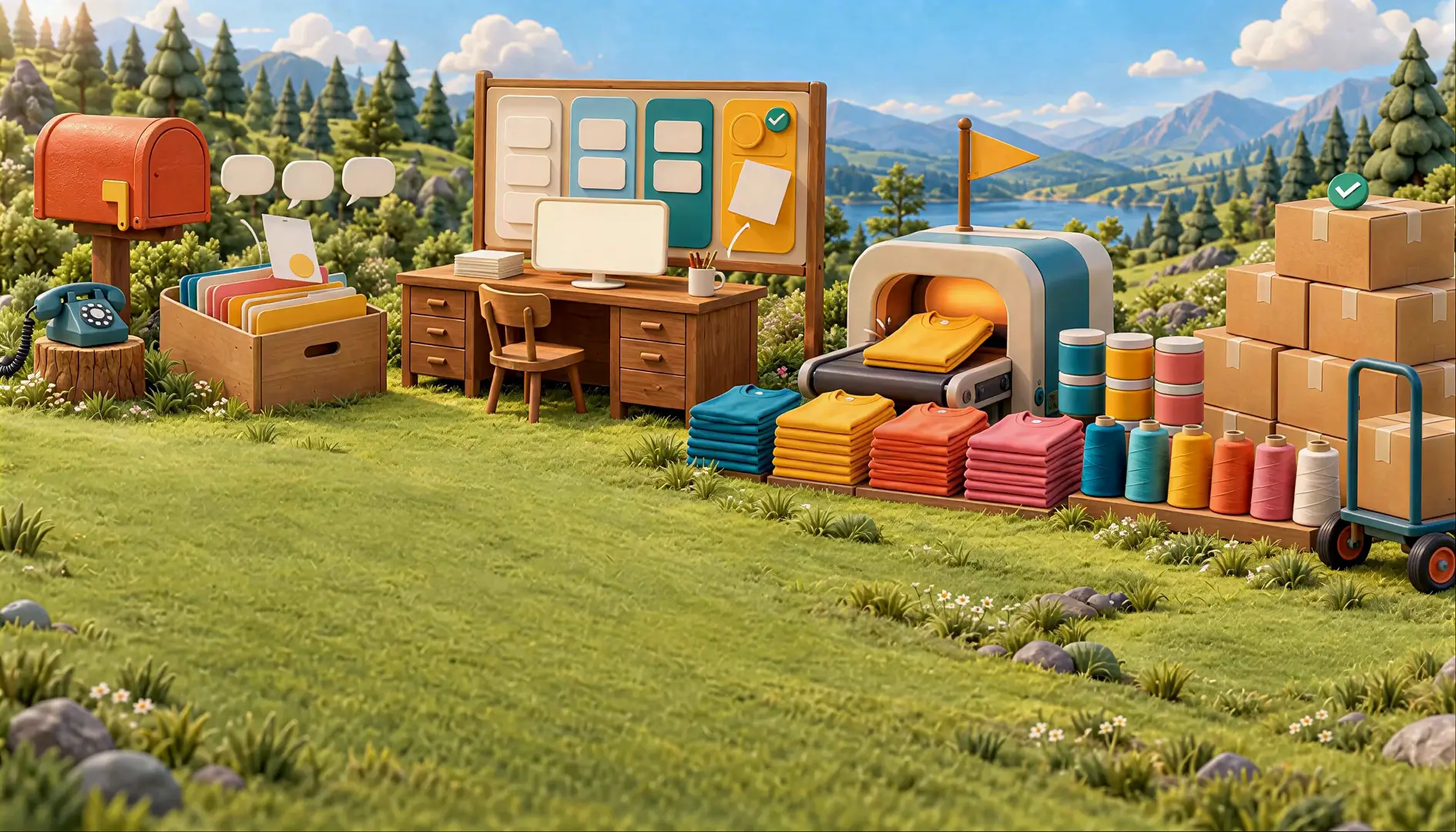 How it worksFollow one job from lead to paid
Product
Shops
Resources
Production board
Every job lands on one board with its art, sizes, due date and tasks. Your crew sees what’s next, and you see where everything stands, from the shop computer or your phone.
14 days of The Full Run free. No credit card.

Due dates, rush flags and machine assignments stay visible on every card, and work-order tasks show right on it. The same board works on a phone, swiping across stages.
Shirts, signs and wraps share the board without forcing every job through the same workflow.
Machine queues show what each press is running, and the install board handles field work.

Tasks on the card tell the crew what comes next, so the job keeps moving when you step away.
Use case 01
Move jobs from art to screens to print, with the garment and ink details on the card.
Use case 02
Route vinyl, print, CNC and assembly as stages your crew recognizes.
Use case 03
Book install days and keep the vehicle record with the job.
Use case 04
Rush flags and due dates float the urgent work to the top where everyone can see it.
Set the steps your shop actually uses, from art through ship or install.
Sales orders arrive on the board with their details attached.
Move cards, scan QR codes and check off tasks as work happens.
Open the same board on your phone and see the shop without walking out there.
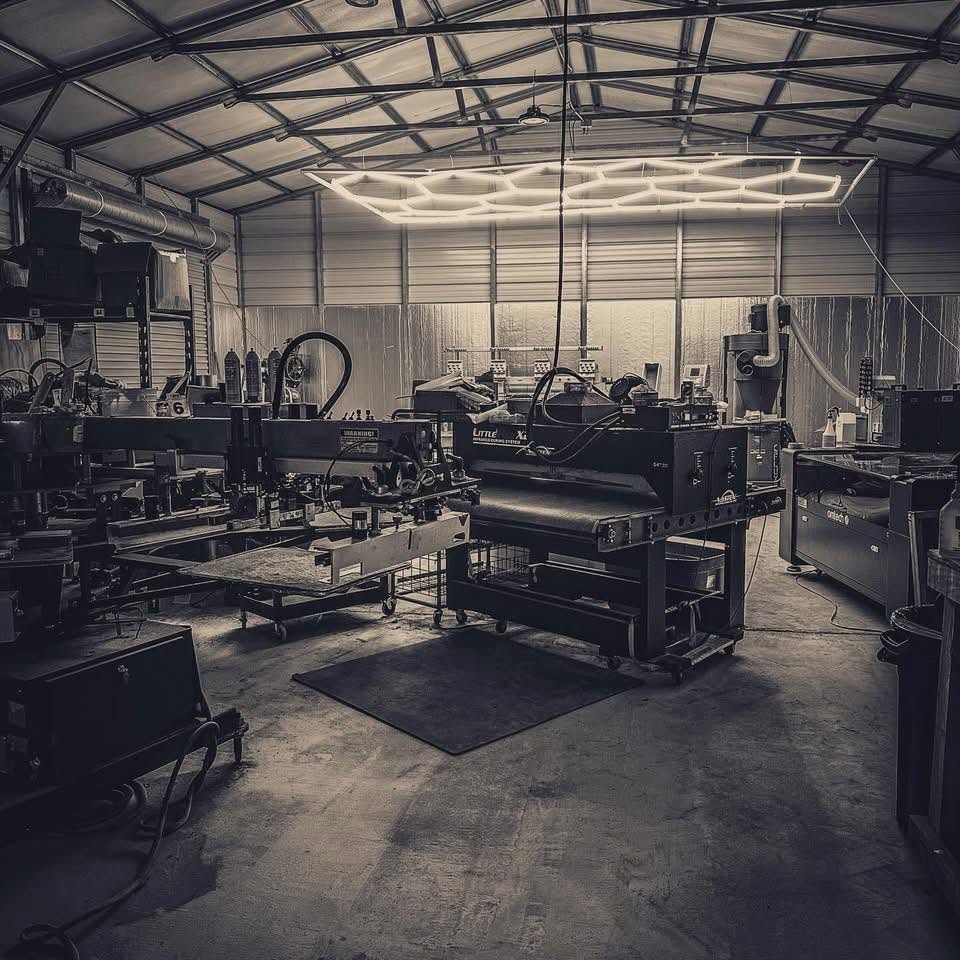
Built inside a working print shop. OBPrint came out of Bigfoot Designs, and we still run the shop on it every day. Read the story
Straight answers. If yours isn’t here, book a 30-minute demo.
Yes. Stages are set by your shop, for example art, screens, print, embellish, ship or install.
Yes. The board has a phone layout that swipes across stages.
No. Your team moves jobs as the work happens. OBPrint keeps the details and the status in one place.
Yes. Install scheduling and the install board are part of The Full Run.
Start with the next real job through the door. Short Run is free, and The Full Run is free for 14 days.
No credit card required for the Full Run trial.