Before condition
Timestamped intake photos and damage notes give the shop a shared starting point for the job.

Shop software for vehicle wrap shops
Wrap work starts before the printer runs. Capture the vehicle, existing damage, measurements, artwork, and customer decisions at intake, then keep that record available to production and the install crew.
14 days. No card required. Bring your next real job.
One job. Keep it moving.
A wrap job needs a record of the vehicle and its condition, not just a line on an invoice.
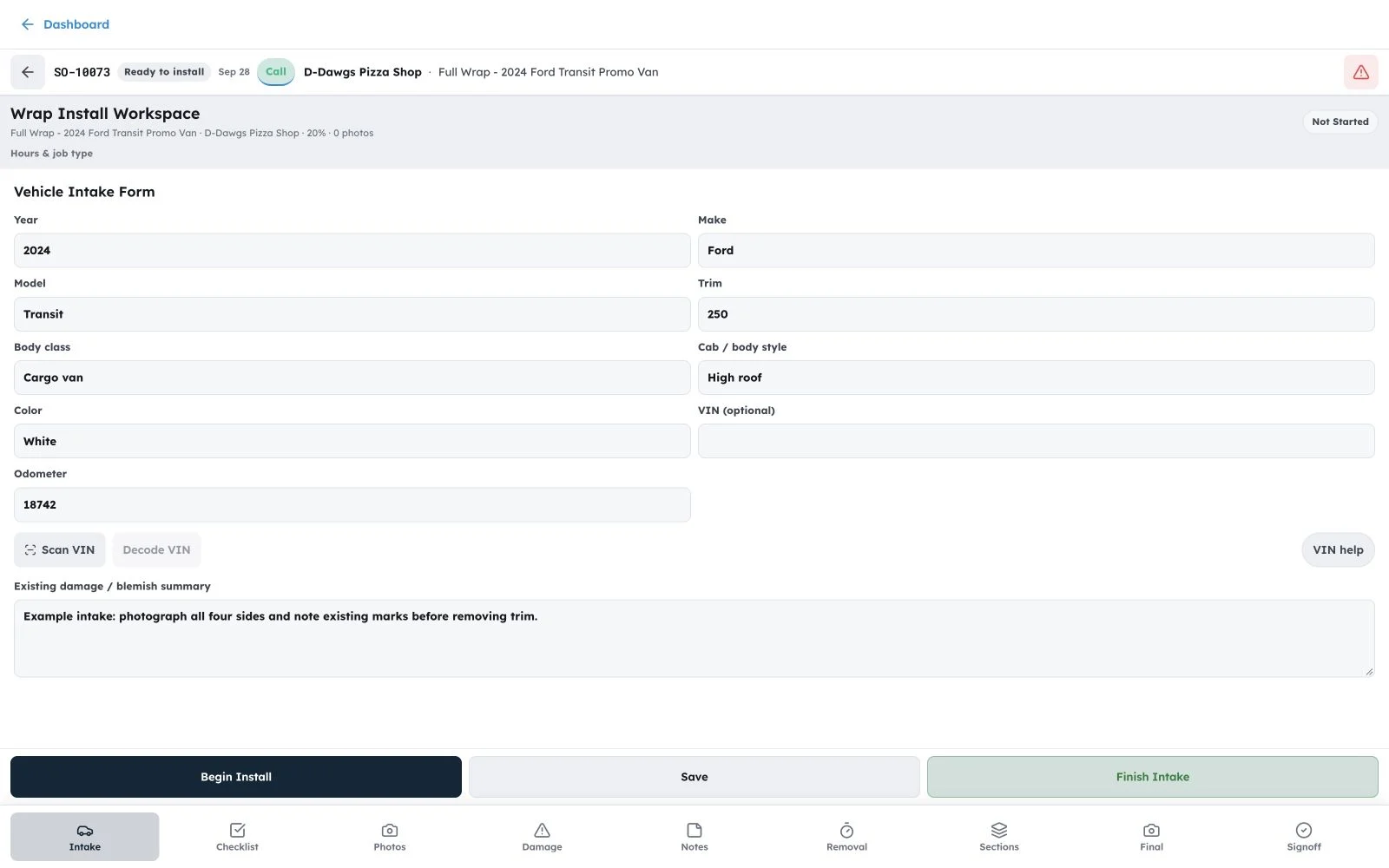
Scan the VIN from a phone, use a USB or Bluetooth barcode scanner, capture before photos, and record existing damage and intake notes.
Keep measurements, artwork, proofs, and customer decisions with the vehicle job.
Give production the files, tasks, materials, and notes it needs before the vehicle reaches the bay.
Schedule the field work, capture after photos and notes, and leave a history the shop can use later.
After the quote
The useful part is what the next person can see without asking the owner.
Timestamped intake photos and damage notes give the shop a shared starting point for the job.
Keep VIN, dimensions, artwork, and production notes together instead of splitting them between texts and folders.
Close the loop with install notes and photos that remain attached to the completed job.
See the other work
FAQ
Plain answers about the workflow and the plan.
OBPrint includes vehicle intake workflows with phone camera scanning, USB or Bluetooth barcode input, photo barcode decoding, before photos, damage notes, and job details.
The wrap workflow is designed to keep intake and completion photos with the vehicle job, alongside notes and artwork.
Use install scheduling and the installer workflow on The Full Run so the field team has the assigned work and its notes.
The Full Run is $120 per month.
The Full Run is $1,000 per year (save $440 vs monthly).
14-day free trial on The Full Run. No credit card required.
Start with one job
Start with one job, let the team run it, then look back at what actually happened.